
Previously I have warned you about how hackers tricked you into giving them full access to your Android smartphone. Well below is a from CNA Insider video (I shared at my FB) which you must watch and you will be shocked what the hacker can do and see.
From the above said video, you will see that the Apps in the phone was like flickering and how info was stolen. The lady in the interview was lucky that no money was stolen from her bank accounts (she practical ran to the bank to instruct them to stop any transaction as her phone was useless).
Also do not suka-suka scan QR Code… I know nowadays we need to scan QR code when ordering food too.
Another thing you will note from the video is that it is mentioned that most hackers attack Android phones because it allows for installation of apps!!!
On the other hand, iPhone IOS does not allow installation of non-approved Apps. Now it is not to say that Approved iPhone Apps do not have malwares!
Click here to read He believed Apple’s App Store was safe. Then a fake app stole his life savings in bitcoin. This guy was not that smart in the first place as he did not check.
Click here to read Android And iPhone Users Warned — This Malware Steals All Your Photos
Clck here to read Chilling hack warning for over 1 billion iPhone users
Click here to read Rare Screenshot-Grabbing Malware Found on Apple App Store
So do not suka-suka install apps into your smartphones including Apple iPhones!!!
Like I have been telling you, always get an iPhone for your Mobile Banking and DO NOT INSTALL any other Apps besides the Apps required for your Online Banking!!!
Recently I told you why I got myself an iPad and the reason why simply I needed a device for Online Banking because Mobile Banking Apps have limitations (i.e. we can check certain things or can’t perform certain transactions).
Click here to read Apple iPad New A16 2025 At Discounted Price At Shopee Malaysia
Once again, you should have 2 phones, one Android phone to scan QR Codes. surf the internet, the mobile number in the Android phone can be used for registering for contest or filling up forms and etc so that anyone calls you on your Android smartphone you know it is a scam or you can even ignore the mobile number abd block it. In this phone you can install eWallet Apps like Boost, Grab, TnG eWallet and Big Pay because you can control the damage where you only top up a certain sum to the Apps.
Talking about Apps, also never allow the eWallet Apps to “store “remember” your Credit Cards’s numbers…. I know this may be a hassle because I do “store” my credit cards in my eWallets; but because I do, I am ready and accept the fact that I will get headaches with my credit cards! Like I mentioned, Credit Cards’ Credit Limits are a liabilities. If you store your Debit Card make sure the account tthat is linked to the Debit Card has limited funds and not your entire savings!
Then get an iPhone purely for Mobile Baking and nothing else. The main thing is like I mentioned, only for Mobile Banking or maybe you can add PayPal and NOTHING ELSE. Do not install the eWallets Apps into this iPhone.
In addition to the above, you must also watch the video below and you will see it is also damn easy to hack into a CCTV that we purchase online or even at the store!
OMG, the CCTV that one can buy easily can be hacked and then allows the hacker to connect to all your smart devices!!!
The above video will shock you but we also learned a thing or two.
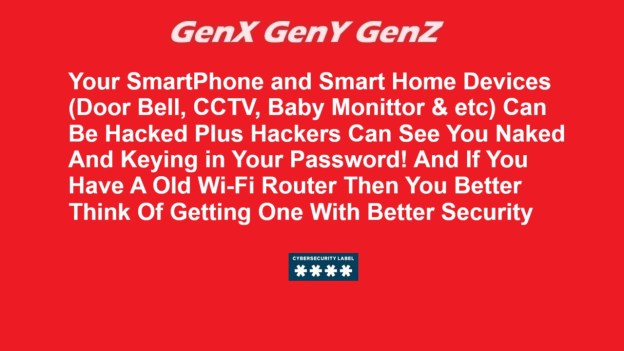
Nowadays before we purchase smart home device, we should visit Singapore Cyber Security Agency to check the security label of the product!
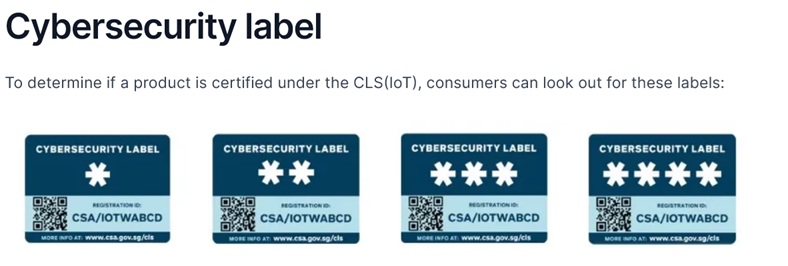
Click here to Singapore Cyber Security Agency website to learn more.
Not only your smart home devices but also your router!!! Below are some of the routers, door bless and IP Cameras that have Singapore’s CSA labeling:
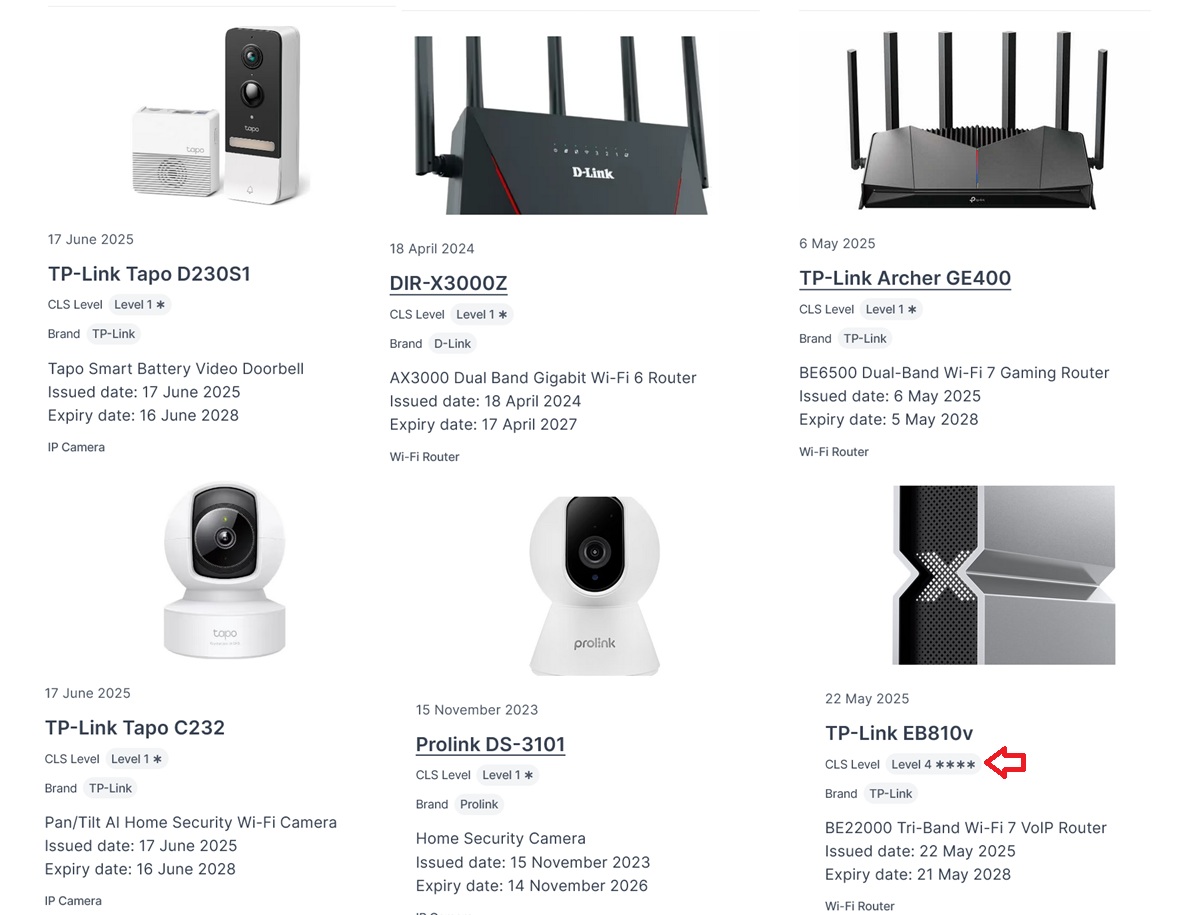
We also know that if we connect our device to a wi-fi, the Admin of the Wifi can have access to our devices too!!! So do not ever connect your iPhone that has Mobile Banking to any wi-fi network unless you are 101% sure that the wi-fi network is secured, example your home wi-fi but then again your home wi-fi also can be hacked!!! Shit, how much is the TP-Link EB810V?
I googled and there is no TP-Link EB810v being sold in Malaysia, i.e. not even listed in TP-Link Malaysia website!!! So unless the model number is different in Malaysia or it is not yet available in Malaysia, looks like I need to get it from Singapore.
 GenX GenY GenZ
You must be logged in to post a comment.